Finding the right camera stabilizer can feel like a puzzle. Many people search for the best gimbal for phone because they want smoother videos, but with so many options, it gets confusing fast. You might wonder which one is truly worth it for your needs.
Don’t worry, this guide breaks it all down simply. We will show you exactly what to look for and why certain gimbals stand out.
Key Takeaways
- You will learn what makes a gimbal good for your phone.
- We will explain different gimbal features like stabilization and battery life.
- You will discover how to pick the right gimbal for your budget and uses.
- We will cover popular choices and what makes them great.
- Tips for using your gimbal to get the best video shots will be shared.
What Is A Phone Gimbal And Why You Need One
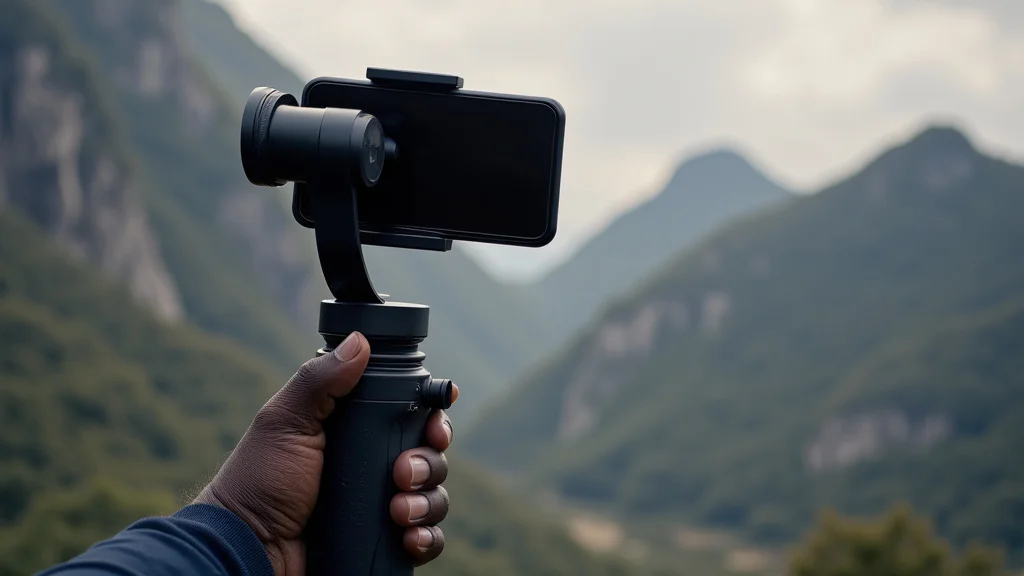
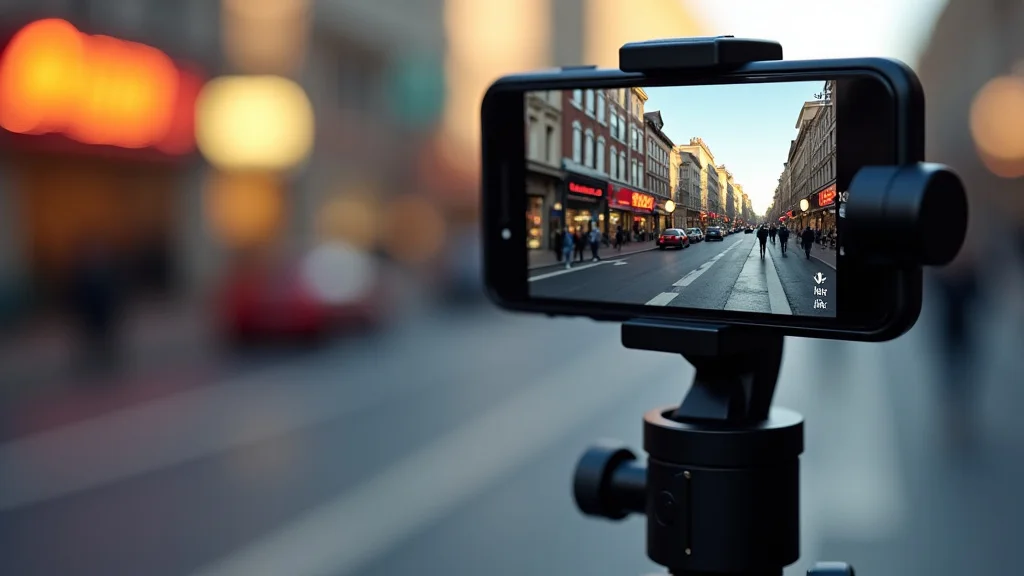
A phone gimbal is a device that uses motors and sensors to keep your phone steady while you move. Think of it like a super-smart arm that fights against shakes and wobbles. When you’re recording videos with your phone, even a small hand tremor can make the footage look shaky.
This makes it hard for viewers to watch and makes your videos look unprofessional.
Using a gimbal means your phone stays level and smooth, no matter if you’re walking, running, or even riding a bike. This is a huge step up from just holding your phone or using a simple tripod. It opens up a whole new world of possibilities for creating polished-looking videos, whether for social media, vlogging, or just capturing memories.
How Gimbals Keep Your Videos Smooth
Gimbals work through a clever system of motors and gyroscopes. A gyroscope is like a spinning top that tries to stay in one place. When your phone tilts or moves unexpectedly, the gyroscope senses it.
Then, tiny motors in the gimbal instantly adjust to counteract that movement.
This happens so fast that you don’t even see it. The result is footage that looks like it was filmed with expensive professional equipment. Most gimbals have at least three axes: pitch (up and down), roll (side to side tilt), and yaw (left and right pan).
Controlling these three axes ensures your phone stays level in all directions.
- Pitch Axis This axis controls the up and down movement. It stops your video from tilting too much when you move your arm up or down.
- Roll Axis This axis keeps your phone from leaning to the side. It makes sure your horizon line stays straight, even if you tilt your phone.
- Yaw Axis This axis controls the left and right panning motion. It allows you to smoothly follow a subject or move your camera side to side.
Why Beginners Struggle To Find The Best Gimbal For Phone
For someone new to video making, the term “gimbal” can sound complicated. There are many brands, models, and features to think about. Some gimbals are designed for large cameras, while others are specifically made for smartphones.
Knowing which is which can be tough.
Also, the price range for gimbals can be very wide. Some cost as little as fifty dollars, while others go into the hundreds. Without knowing what features are important, it’s easy to get lost or buy something that doesn’t fit your needs.
This guide aims to make choosing the best gimbal for phone much easier.
Top Features To Look For In A Phone Gimbal
When you’re shopping for a gimbal, several key features can make a big difference in your video quality and overall experience. Thinking about these will help you narrow down your choices and find the perfect fit for your mobile filmmaking.
Stabilization Quality
This is the most important job of a gimbal. A gimbal’s primary function is to provide smooth, stable footage. Higher-end gimbals use more advanced motors and algorithms to eliminate even the slightest shakes and jitters.
When comparing gimbals, look for reviews that specifically mention how well they handle fast movements or rough terrain.
Some gimbals might offer basic stabilization, which is fine for walking. Others are powerful enough for running or even skateboarding, producing footage that looks incredibly professional. The quality of stabilization is often tied to the gimbal’s motor strength and its ability to react quickly to your movements.
- Motor Strength Stronger motors can handle heavier phones and react faster to stabilize footage during intense movements.
- Stabilization Modes Many gimbals offer different modes like “follow mode” (camera follows your hand), “lock mode” (camera stays fixed), and “sport mode” (for fast action).
- Anti-Shake Technology Look for gimbals that advertise advanced anti-shake features, which often use AI or improved sensors.
Battery Life And Charging
You don’t want your gimbal to die halfway through an important shoot. Battery life is a critical factor, especially if you plan to film for extended periods. Most gimbals will list their approximate battery life, often in hours.
Consider how long you typically shoot for. If it’s just short clips, a few hours might be enough. For longer vlogs or events, you’ll want a gimbal that can last for six hours or more.
Also, check if the gimbal can be charged while in use (power bank compatibility) or if it supports fast charging to get you back up and filming quickly.
- Continuous Use Time This tells you how long the gimbal can operate on a single charge. Aim for models that offer at least 5-8 hours for good flexibility.
- Charging Speed Some gimbals charge much faster than others. This is important if you need to quickly recharge between shooting sessions.
- Power Bank Support The ability to charge your gimbal using a portable power bank is a huge plus for long shooting days outdoors.
Portability And Build Quality
You’ll be carrying your gimbal around, so its size, weight, and how well it folds up are important. A compact and lightweight gimbal is easier to travel with and less tiring to hold for long periods. Many gimbals are designed to fold down, making them fit easily into a backpack or even a large pocket.
The build quality also matters. Look for gimbals made from durable materials like aluminum alloy. This ensures they can withstand bumps and everyday use without breaking.
A sturdy gimbal will last longer and feel more reliable in your hands.
- Weight A lighter gimbal (under 500 grams) is more comfortable for extended use.
- Foldable Design Gimbals that fold compactly are ideal for travel and storage.
- Material Durability Aluminum alloy or high-strength plastic ensures the gimbal can handle regular use.
Smart Features And App Integration
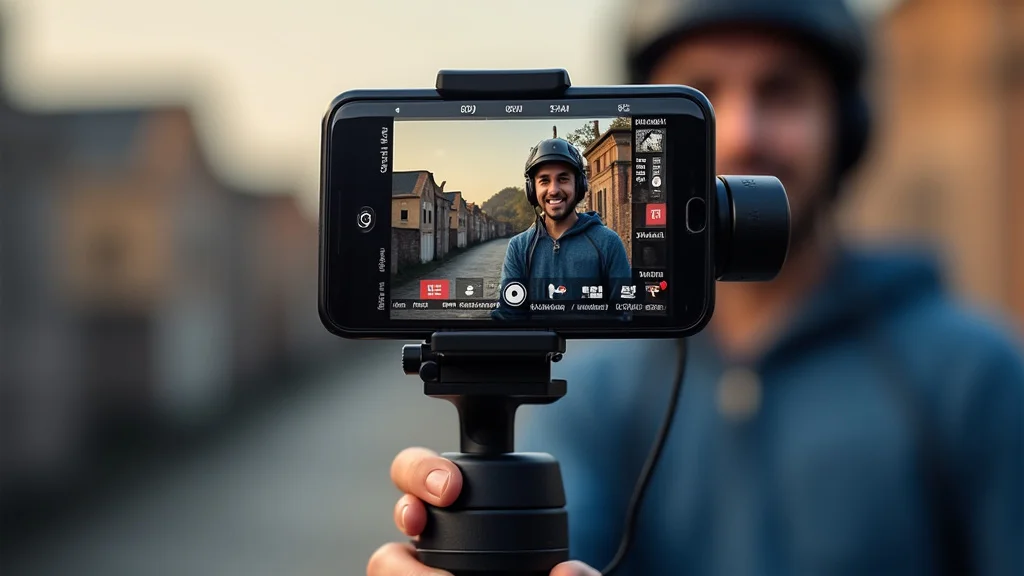
Many modern gimbals come with companion apps that add a lot of functionality. These apps can give you remote control over the gimbal, allow you to set up automated shots, and even offer advanced editing tools.
Features like object tracking, motion time-lapses, and panorama modes can elevate your videos. Object tracking, for example, keeps a subject in focus and centered in the frame, even as they move. This is incredibly useful for capturing dynamic scenes without needing to manually control the camera.
- Object Tracking This feature automatically follows a selected subject, keeping it in the frame.
- Motion Time-Lapse Allows you to create time-lapses where the camera moves slowly, adding a professional touch.
- Gesture Control Some apps let you start/stop recording or control the gimbal’s movement using hand gestures.
How To Choose The Best Gimbal For Phone Based On Your Needs
The “best” gimbal for phone isn’t a one-size-fits-all answer. It truly depends on what you plan to do with it. Think about your typical shooting scenarios and what features will benefit you the most.
For Casual Users And Social Media
If you’re mainly shooting videos for Instagram, TikTok, or YouTube shorts, you probably want something easy to use and very portable. A smaller, more affordable gimbal might be perfect. These often have good basic stabilization for walking and everyday use.
They might not have all the advanced features, but they’ll significantly improve your phone’s video quality.
Look for gimbals that are quick to set up and have intuitive controls. Many budget-friendly options come with decent apps that offer basic editing and creative modes. The focus here is on getting smooth footage with minimal fuss, making your content stand out.
- Ease of Use Simple controls and quick setup are key.
- Portability A compact design that fits easily into a bag.
- Affordability Good stabilization without a high price tag.
For Vlogging And Content Creation
Vloggers and content creators often need more advanced features. You might want to track yourself as you talk, create dynamic shots, or film in various lighting conditions. This means looking for gimbals with excellent object tracking, good battery life, and perhaps a built-in light.
The ability to control the gimbal via an app is also important, allowing you to frame shots perfectly without needing to hold the device constantly. Some gimbals also offer features like a front-facing joystick for precise control, which is great for self-shooting.
- Advanced Tracking Reliable object or face tracking is essential.
- Long Battery Life To support longer filming sessions.
- App Control For remote operation and advanced shooting modes.
For More Demanding Shoots (Events, Sports)
If you’re filming events, sports, or anything with a lot of movement, you need a gimbal that can handle fast action and rougher conditions. This means looking for the most powerful stabilization, the strongest motors, and modes like “sport mode” that react very quickly.
Build quality becomes more critical here too, as the gimbal might get bumped around. A good battery life is also a must for long days. Some professional users might even consider gimbals that can carry slightly heavier payloads, though for phones, this is less of a concern.
- Superior Stabilization The best anti-shake technology available.
- Robust Build Durability to withstand active use.
- Fast Response Modes Such as sport mode for quick movements.
Popular Best Gimbal For Phone Options To Consider
There are several brands that consistently deliver excellent gimbals for smartphones. These are often well-regarded by users and offer a good balance of features, performance, and price.
DJI Osmo Mobile Series
DJI is a leader in camera stabilization, and their Osmo Mobile series is incredibly popular for phones. They are known for their advanced stabilization technology, intuitive app, and user-friendly features.
The latest models usually boast improved motors, longer battery life, and smart features like enhanced object tracking and creative shooting modes. They offer a great balance for casual users and more serious content creators alike. The build quality is typically excellent, making them durable for regular use.
- Pros Excellent stabilization, feature-rich app, good build quality.
- Cons Can be a bit pricier than some competitors.
- Best For Vlogging, general content creation, social media.
Zhiyun Smooth Series
Zhiyun is another top contender in the gimbal market. Their Smooth series offers a wide range of options, from beginner-friendly models to more advanced ones. They often compete with DJI on features and performance, sometimes at a more accessible price point.
Zhiyun gimbals are known for their innovative designs and robust feature sets. They often include advanced tracking, gesture control, and impressive battery life. The app integration is also usually very good, providing users with lots of creative control over their footage.
- Pros Competitive features, good value for money, versatile models.
- Cons App might be less intuitive for some users compared to DJI.
- Let’s compare:
| Feature | DJI Osmo Mobile | Zhiyun Smooth |
|---|---|---|
| Stabilization | Excellent, very smooth | Very good, reliable |
| App Features | User-friendly, creative modes | Feature-rich, powerful control |
| Price | Mid to high range | Mid range, good value |
| Build Quality | Premium, durable | Good, sturdy |
Hohem iSteady Series
Hohem offers a compelling option, often at a more budget-friendly price point, without sacrificing too much on performance. Their iSteady series provides good stabilization and a decent set of features that are great for beginners and intermediate users.
These gimbals are praised for their value and simplicity. While they might not have every single high-end feature found on more expensive models, they deliver smooth footage reliably. They are a great starting point for anyone looking to improve their phone videos without a big investment.
- Pros Great value, easy to use, good stabilization for the price.
- Cons Might lack some of the very advanced features of top-tier models.
- Best For Beginners, casual filming, budget-conscious users.
Tips For Getting The Most Out Of Your Gimbal
Once you have your gimbal, there are a few practices that can help you get the most amazing footage possible. It’s not just about having the tool; it’s about knowing how to use it effectively.
Practice Smooth Movements
Even with a gimbal, your own movement style matters. Instead of jerky actions, try to move smoothly. Think about walking with bent knees, almost like you’re gliding.
This allows the gimbal’s motors to work less and gives you even smoother results.
When you pan or tilt, do it slowly and deliberately. Imagine you’re gently steering the camera rather than forcing it. This kind of mindful movement, combined with the gimbal’s stabilization, makes a huge difference in the final video quality.
- Bend your knees When walking or moving, keep your knees slightly bent to absorb shocks.
- Move with intention Avoid sudden stops or starts. Plan your movements ahead.
- Gentle control Use the joystick or your own body to make slow, controlled pans and tilts.
Understand Gimbal Modes
Most gimbals have different modes that change how they stabilize and follow your movements. Learning these modes is key to capturing different types of shots.
For example, “follow mode” is great for keeping your subject in the frame as you walk. “Lock mode” keeps the camera pointing in one direction, no matter how you move. “Sport mode” offers faster response for action shots.
Experimenting with these will help you achieve the exact look you want for any scene.
- Pan Follow Mode The camera smoothly follows your left-right movements. Ideal for walking and general shots.
- Lock Mode The camera stays pointed in the same direction, regardless of your movements. Great for keeping a static view.
- All-Axis Follow Mode The camera follows all your movements, keeping you perfectly centered. Useful for selfies or tracking yourself.
- Sport Mode Designed for fast-paced action, this mode responds very quickly to your movements.
Use Your Phone’s Camera App Effectively
Your phone’s built-in camera app is powerful. Many gimbals can connect to it to control features like zoom, focus, and recording start/stop. Make sure you know how to use these integrations.
Also, consider your phone’s video settings. Shooting in higher resolutions (like 4K) or frame rates (like 60fps) can give you more flexibility in editing, especially if you need to crop or slow down footage. Some gimbal apps also offer their own camera controls with extra features.
- Check gimbal-phone connection Ensure your gimbal is properly paired with your phone’s camera app for full control.
- Adjust phone settings Set your phone camera to the desired resolution and frame rate before you start shooting.
- Explore app features Familiarize yourself with any special shooting modes or manual controls offered by your gimbal’s app.
Common Myths Debunked
Myth 1: You Need An Expensive Gimbal For Smooth Videos
This is a common misconception. While high-end gimbals offer the best performance, there are many excellent and affordable options available. Good stabilization can be achieved with mid-range gimbals, and even some budget models can significantly improve your phone’s video quality compared to no gimbal at all.
The key is to match the gimbal’s features to your needs.
Myth 2: Gimbals Are Difficult To Set Up And Use
Modern gimbals are designed with user-friendliness in mind. Most are quick to balance your phone, and their controls are generally intuitive. Many come with helpful apps that guide you through the setup process and explain different features.
With a little practice, anyone can learn to use a gimbal effectively.
Myth 3: All Gimbals Work The Same Way
While they all aim for stabilization, gimbals differ significantly in their technology, number of axes, motor power, and smart features. Some are designed for lighter phones, while others can handle larger devices. The app integration and available shooting modes can also vary widely, affecting the creative possibilities.
Myth 4: A Gimbal Is Only For Professional Videographers
Anyone who wants to improve their video quality can benefit from a gimbal. Whether you’re a social media influencer, a parent capturing family moments, or someone who enjoys creating travel vlogs, a gimbal can elevate your footage. They make casual videos look much more polished and engaging.
Frequently Asked Questions
Question: What is the most important feature of a phone gimbal
Answer: The most important feature is stabilization quality, ensuring your videos are smooth and shake-free.
Question: Can I use any phone with any gimbal
Answer: Most gimbals are compatible with a wide range of smartphones, but it’s always good to check the gimbal’s specifications for maximum phone width and weight it can support.
Question: How long does it take to learn to use a gimbal
Answer: Basic operation usually takes just a few minutes. Mastering advanced features and techniques might take a few hours or days of practice.
Question: Do I need a special app to use a gimbal
Answer: While many gimbals work with your phone’s native camera app, they often come with their own dedicated app that unlocks more advanced features and control.
Question: How much should I expect to spend on a good gimbal for my phone
Answer: You can find good quality gimbals for phones ranging from $70 to $200, with higher-end models going up to $300 or more for professional features.
Wrap Up
Choosing the best gimbal for phone is about finding smooth, steady video. You now know the key features like stabilization, battery life, and smart modes. Consider your needs for social media, vlogging, or active filming.
With these tips, you can confidently select a gimbal that makes your videos look fantastic.